
From check-in to payroll entry: a clearer monthly cycle for your team
Sutumatic HR brings employee records, shifts and attendance, leave, advances and penalties, and monthly payroll into one system connected to your accounts. Owners see the full picture; HR and finance work on the same data.
| Employee | In | Status |
|---|---|---|
| SSales staff 1 | 08:58 | On time |
| FTechnician 2 | 09:20 | Late 20m |
| AAccountant 1 | — | Approved leave |
| CCashier 3 | — | Absent |
Who is it for?
Three roles, one dataset, and each sees what their permissions allow.
Business owners
A clear view of attendance, absence, penalties and payroll cost, without waiting for month-end spreadsheets.
HR managers
Organised employee files, shifts, daily attendance, leave and advances in one place instead of scattered sheets.
Accountants
Monthly payroll becomes a journal entry in the same system, with edit or reversal and payment transfer from the right account.
What does Sutumatic HR include?
Connected modules, from the employee file to the payroll entry.
Employee management
Complete employee files, departments and teams, attachments and per-employee salary components.
Read moreTime & attendance
Manual, from the Employee app with or without GPS, or by importing biometric-device files.
Read moreLeave & reports
Leave types, requests and balances, public holidays, and attendance reports by shift or employee.
Read morePayroll
Salary components, advances and penalties, monthly payroll closing and journal entry.
Read moreEmployee app
Attendance, tasks, advances and notifications, plus a field-team track, by permission.
Read moreFAQ
Straight answers on biometrics, shifts, payroll and permissions.
Read moreThe monthly cycle in Sutumatic HR
Five steps, each building on the data from the one before.
Set up people & shifts
Employee file, department and branch, shift and rest days.
Collect attendance
Manual entry, app check-in, or an Excel/CSV file from the biometric device.
Review exceptions
Late arrivals, early departures, absences and penalties, alongside leave and holidays.
Prepare the payroll
Components, allowances, deductions and advances, then review the month.
Post & pay
Create the payroll journal entry and transfer payment from cash or bank.
Part of the integrated Sutumatic platform
HR in Sutumatic isn't a separate program. Payroll reaches your books, payments leave your cash and bank accounts, and branches and permissions are shared across every system.
 Sutumatic HR
Why Sutumatic HR?
What makes it a fit for companies that want organised HR without complexity.
Connected to your books
Payroll becomes a journal entry in Sutumatic itself, with no manual hand-off between payroll and accounting.
Works with your biometric device
Import the Excel or CSV files your device exports; employees are matched by their device user ID.
An app for every employee
Check-in, tasks and advances from the phone, with location validation when you need it.
Role-based permissions
Separate who manages attendance from who sees payroll, and decide what each user can access.
Shifts the way you work
Several shifts per employee, overnight shifts past midnight, and check-in/out windows.
Arabic & English
A bilingual interface, and reports that owners, HR and finance all understand.
A fit for many industries
Examples of companies that benefit from attendance, shifts and payroll in one system.
Restaurants & cafés
Morning, evening and night shifts, staff on several shifts, and check-in from the app or a biometric device.
Retail
Several branches, daily attendance per branch, and payroll linked to the company accounts.
Contracting & maintenance
On-site teams check in from their phones with location validation.
Service companies & offices
Organised employee files, leave and advances, and monthly attendance reports.
Factories & production
Consecutive shifts around the clock, and biometric attendance imports.
Field sales
Reps record attendance, visits, orders and collections from the Employee app.
The employee's Sutumatic workspace, on their phone
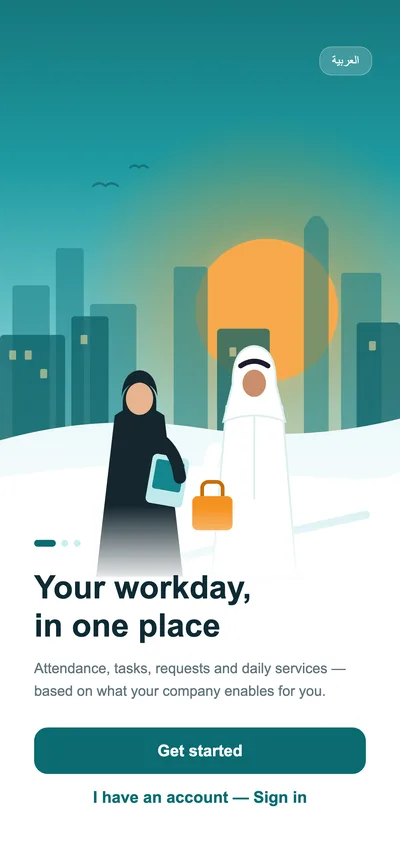
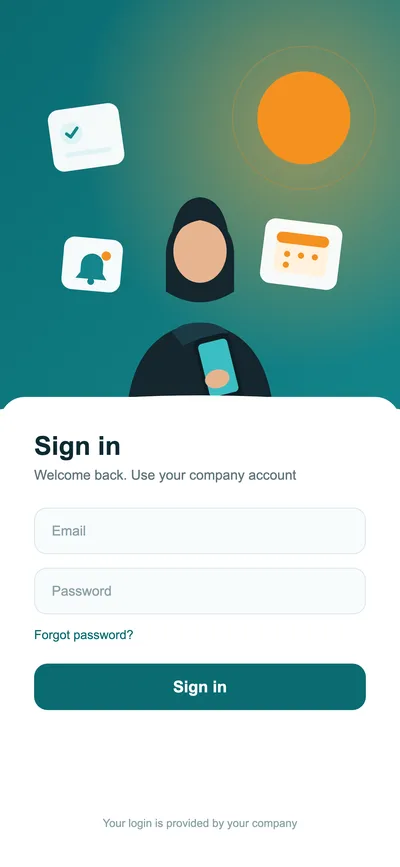
The Employee app gathers what an employee needs in their workday, based on the systems and permissions their company enables: attendance, tasks, advances and notifications, plus a full track for field teams.
How we get you started
Clear steps from first contact to running your first month.
Contact us
Tell us your headcount, branches and how you track attendance today.
Demo with sample data
We show you the system with an example close to your company.
Data setup
We help you enter employees, departments, shifts and settings.
Team training
We walk HR and finance through the monthly cycle step by step.
Go live
You start recording attendance and preparing payroll in the system.
Frequently asked questions
Do I need to replace my biometric device?
No. Export the attendance file from your device as Excel or CSV and import it into Sutumatic; the system matches employees by their device user ID and finds their shift.
Can employees check in from their phone?
Yes, from the Employee app. Your company can enable GPS validation against the workplace location and allowed distance, or allow check-in without location validation.
Are night shifts supported?
Yes: shifts that run past midnight, more than one shift per employee, and an early check-in window and check-out allowance per shift.
Can every employee see others' salaries?
No. Permissions are set per user by role, and you can separate who manages attendance from who sees payroll.
Let's map your HR cycle together
Tell us your headcount and what you need — we'll walk you through the system with sample data close to your reality.